Better MC BMC4 Beginner Guide: Your First Days in the Pack
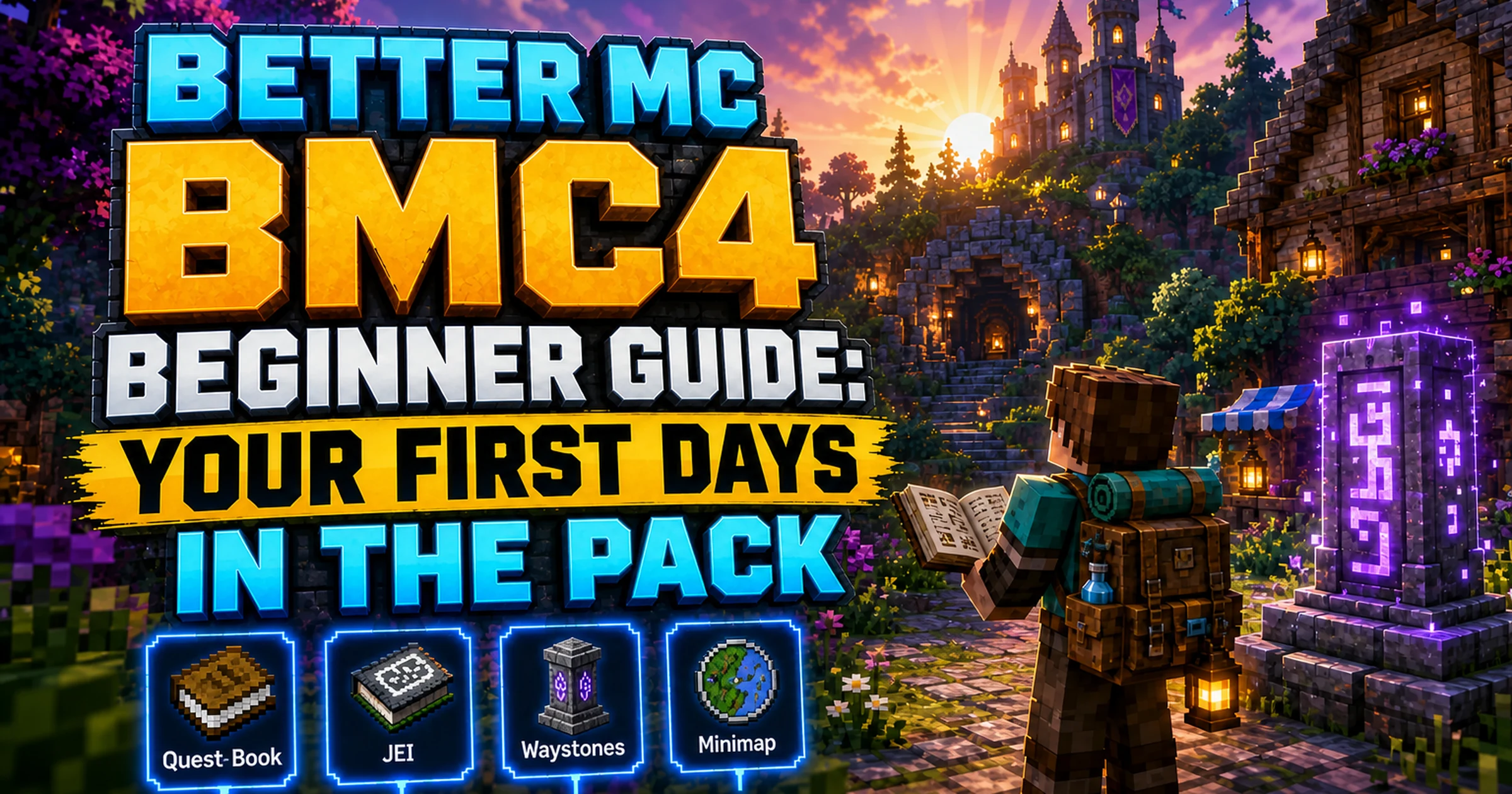
Better MC BMC4 beginner guide: a quick start
The best start in Better MC BMC4 looks like this: open the quest book, activate waystones in villages, use JEI for recipes, loot structures instead of mining endlessly, and tackle new dimensions only with fitting gear. The pack is vanilla-plus, so you will recognize many processes. According to the info site better-mc.com, more than 100 quests guide you through the game.
This guide collects the recommendations for the first days and adds hints for play sessions on a server. It only names content that is backed by the CurseForge page or the info pages.
What makes BMC4 different
Better MC does not want to replace vanilla but to extend it. The world looks different thanks to Biomes o' Plenty, Geophilic and more mods, according to the project page it contains over 1,000 new dungeons and structures from When Dungeons Arise and AdoraBuild, and bosses from Mowzie's Mobs and Cataclysm add extra challenges. Then there are new dimensions such as the Aether.
For you this means that much works like regular Minecraft, but you meet unfamiliar enemies and structures more often. The info site advises caution when exploring new hostile mobs. So take time for a good basic kit before you go far from your starting point.
The most important tools in the pack
According to the info site, four helpers shape the first days in particular. Get to know them early, because they save a lot of time and frustration.
| Tool | Purpose | Usage according to the info site |
|---|---|---|
| JEI (Just Enough Items) | look up recipes and uses | open inventory with E, R for recipes, U for uses |
| Quest book | guidance through the pack, with rewards | book icon in the upper left |
| Xaero's Minimap | map and waypoints | full-screen map with M |
| Waystones | fast travel between activated points | right-click a waystone |
Key bindings can be changed in game. If a key is bound differently for you, check the controls in the options. The details come from the info site and may differ between versions.
The first day
For the first day, the info site recommends a clear routine that also works well in a group:
- Gather wood and craft tools up to the stone tier.
- Find a village and activate its waystone.
- Open the quest book and read the first tasks.
- Explore structures, because the loot there is better than from mining.
- Build a starter base with a waystone you crafted yourself.
- Start growing new crops, such as tomatoes, onions, rice and cabbage from Farmer's Delight.
Point 4 matters: in BMC4 it pays to look for loot in structures, because many dungeon mods place gear there. That speeds up your progress significantly compared with pure mining.
Using waystones well
Waystones are a central comfort in the pack. You find them in villages, activate them with a right-click and can then travel between activated points. According to the info site you can also craft your own waystones. A personal waystone at your base makes trips back easy.
Plan a small network: base, one or two villages and the entrances to the dimensions. On a server it pays to agree on shared points so everyone uses the same routes. That also reduces scattered exploration and thus chunk load, as described in BMC4 server lag.
The quest book as a guide
The more than 100 quests are organized by dimension and give rewards. They are the fastest way to get to know the pack, because they show you which mods exist and what makes sense next. If you do not know how to continue, the book is your first port of call.
Use the book as well when portals or bosses do not work as expected. How the dimensions connect and in which order they make sense is described in BMC4 bosses and dimensions. There you will also find the fixed boss chain of the Twilight Forest.
Gear and inventory
The info site advises crafting a backpack early for more space and setting up an enchanting table. The mod lists also include Simply Swords, Advanced Netherite and Iron's Spells 'n Spellbooks, which widen your combat options. A look in JEI shows what you can craft and which materials you need.
Before you head into dangerous areas, pack food, healing items and spare tools. In a group it pays to assign roles, for example one person focusing on food and one on building materials. That way everyone advances faster, and nobody has to go out for the same resource several times.
Tips for the group on a server
On a server you play in the same world, and every decision affects everyone. A few rules help avoid conflicts and performance problems. All players also need exactly the same pack version as the server, as described in playing BMC4 with friends.
- Decide together where the base is and which waystones everyone uses.
- Travel to new dimensions together where possible.
- Create backups in the dashboard regularly, especially before boss fights.
- Use the whitelist so that only your group can join the server.
- Report stutter early, before it piles up.
The info sites list at least 4 to 6 GB RAM for servers and 8 to 10 GB for larger groups. At WZH, Cloud L and Cloud XL are bookable for BMC4, more in BMC4 server RAM requirements.
Common beginner mistakes
New players in the pack often make the same mistakes. Knowing them saves frustration. The points below are general rules of thumb and not documented pack rules, but they fit the hints of the info sites.
- Traveling to hard dimensions too early, without gear and food.
- Ignoring the quest book and leaving rewards behind.
- Not activating waystones and walking long distances.
- Not using the map and forgetting waypoints.
- Heading off alone on the server and generating many chunks.
- Not creating a backup before a big fight.
If something crashes, BMC4 server crashes helps. For first questions about settings, take a look at BMC4 config files.
Graphics and shaders on the client
According to the project page, the pack ships shader presets and is optimized with shader support. If your computer is weaker, reduce view distance and shader quality. The troubleshooting page on better-mc.com recommends a view distance of 8 to 10 chunks, reduced or disabled shaders and closed background programs. For the client it lists 6 to 8 GB of memory, but no more than half of the computer's RAM.
On the first visit to new dimensions, chunk generation can take one to two minutes according to the info site. Wait during that time instead of running off immediately. That relieves client and server alike.
Ready for the group?
If you want to experience BMC4 together, you need a server. On the BMC4 server page you pick Cloud L or Cloud XL, the modpack installs automatically and you manage everything in the dashboard. The complete overview of ordering is in BMC4 server hosting.
FAQ
What should I start with in BMC4?
With wood and stone tools, then find a village, activate the waystone and open the quest book. After that, explore structures because good loot lies there.
What is JEI for?
JEI shows recipes and uses of items. According to the info site you open it via the inventory with E and look up recipes with R and uses with U.
How do waystones work?
You activate them with a right-click and can then travel between activated waystones. They are found in villages, and according to the info site you can craft your own.
Do I need the quest book?
No, but it is the best guide. It contains more than 100 quests with rewards and leads you through the dimensions.
Can I play the pack alone?
Yes, in singleplayer. For shared adventures a server is more convenient, because the world runs independently of your PC.