Play RLCraft with Friends: Server, Whitelist and Joining
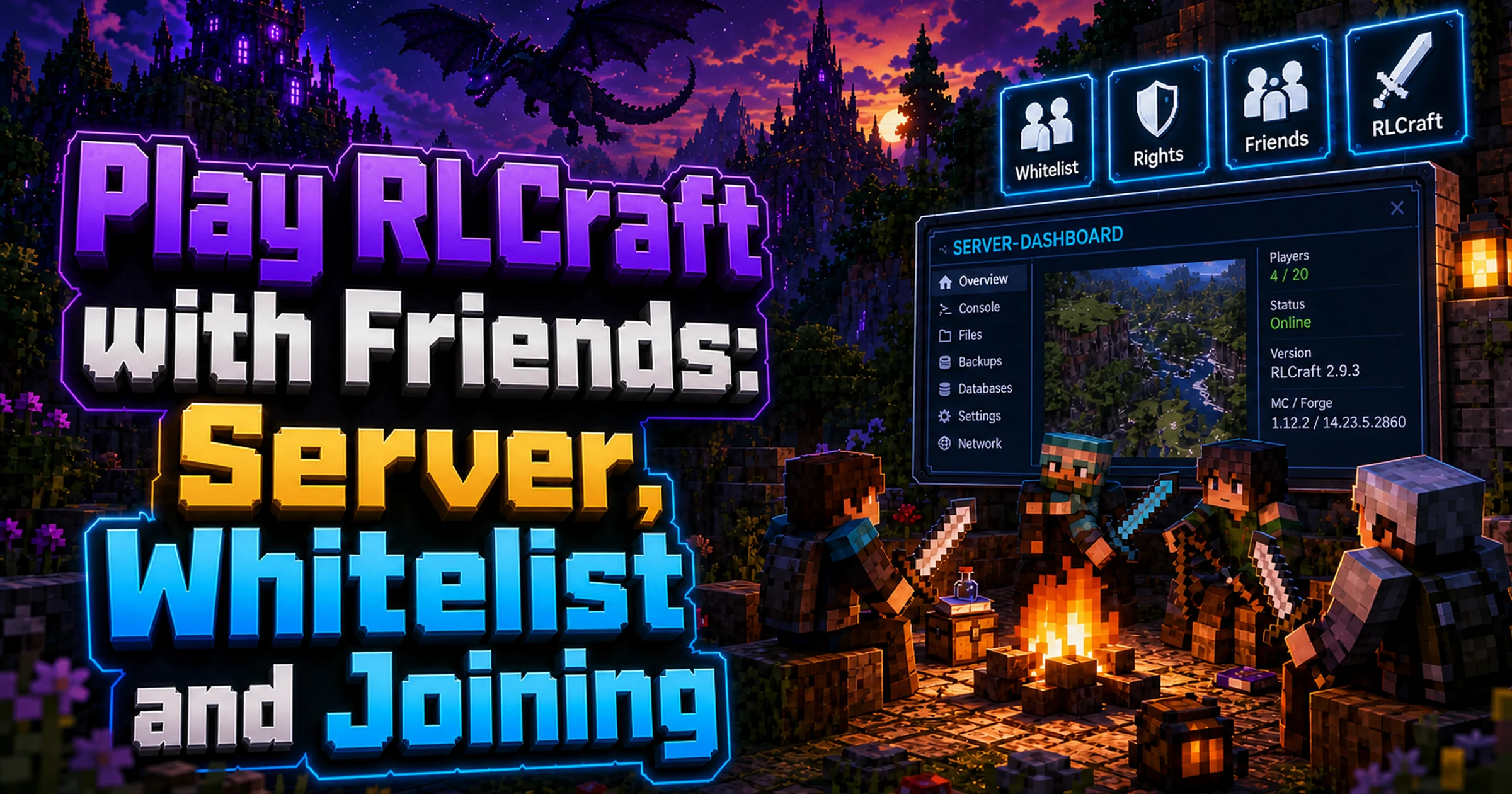
How to play RLCraft with friends
To play RLCraft with friends you need a shared server where everyone uses the same modpack version. You rent the server, share the address and everyone installs the matching client. A whitelist decides who may join. After that you all start in a world that depends on teamwork.
This guide walks you through inviting people, installing the client, the whitelist and the first steps as a group. How to create the server itself is covered in the pillar article how to make an RLCraft server.
Why a server instead of single-player LAN?
Opening RLCraft in single-player and sharing it over LAN sounds convenient but has drawbacks. The world only runs while you play, and your own computer carries the entire mod load. RLCraft is demanding, and a machine that renders the game and runs the server at the same time hits its limit quickly.
A rented server runs independently of your computer. Your friends can play even when you are offline, and the world stays intact. At WZH, PayAsYouGo also bills only running time, so you can simply stop the server after the session.
Step 1: order the server and share the address
Choose a plan on the rent an RLCraft server page. For small groups Cloud M with 4 GB is enough, for several players at once Cloud L with 8 GB is the better choice. The modpack is chosen at order time and installed automatically.
You get a free subdomain in the form <name>.wzhcloud.net. Give this address to your friends. They enter it in the Minecraft multiplayer menu as the server address. A short name is easier to remember, so pick something like your group's name.
Step 2: everyone uses the same client version
The most common reason for join problems is a different pack version. If your server runs RLCraft 2.9.3, every player must use the 2.9.3 client pack as well. At WZH, 2.9.3, 2.9.2d, 2.9.1c and 2.9 are available, all for Minecraft 1.12.2.
In the 2.9 wiki the pack authors give further client notes: use Forge 2860 or newer, because it contains a Log4j security fix. OptiFine G5 or newer is required, and version E3 is not compatible. The client also needs enough memory. According to CurseForge, 3 to 4 GB is the minimum and the default of 1 GB is not enough.
Step 3: set up the whitelist
Without a whitelist, anyone with the address can join. For a private group you probably do not want that. You enable the whitelist in server.properties or directly through the browser console in the dashboard.
white-list=true
enforce-whitelist=true
Then you add players with a console command such as whitelist add PlayerName. whitelist list shows all entries and whitelist remove PlayerName removes someone. For a detailed explanation of whitelist, operator rights and permissions, see whitelist, OP and permissions. After editing the file, restart the server.
Step 4: hand out rights sparingly
With op PlayerName you make someone an operator, which grants full command rights. In RLCraft that is delicate, because operators can give themselves items and bypass skill locks, which ruins the appeal of the game.
Only give OP to people you trust, and only for administration, not for playing. If you are the admin and still want to play fairly, use your rights only when there are problems, such as a player stuck because of a bug. More on protection is in securing your server.
Important settings for a group
Groups follow the same requirements as solo players. In the 2.9 wiki the pack authors list four server settings:
| Option | Value | Purpose according to the pack notes |
|---|---|---|
enable-command-block |
true |
correct structure generation |
allow-flight |
true |
flying mounts |
max-tick-time |
-1 |
large structure generation without shutdown |
difficulty |
3 |
intended Hard difficulty |
You can also limit the number of players with max-players. More options and how to use the file manager are described in configuring an RLCraft server.
Surviving together: first steps as a group
RLCraft is hard, and in a group you help each other best with clear roles. For the start, the wiki suggests finding shelter or a village and crafting a flint tool. Do not build outside at night, and avoid flammable materials like wood or wool when Lycanites events are running. Use stone instead.
A division of labor makes sense: one person gathers resources, one takes care of food and water, one builds the base. Skill levels are per player, so everyone has to earn them. According to the wiki, a diamond pickaxe needs Mining level 16, for example. How to deal with thirst and heat is covered in thirst and temperature in RLCraft.
Backups for the group
When several people work on one world, mistakes are more likely. An accidentally destroyed build, a config error or a failed update can cost weeks of progress. That is why you create a dashboard backup before bigger changes and lock it.
The dashboard lets you create, restore, download and lock backups. The basics are in Minecraft server backups. Agree in the group on who is responsible, so the backup does not get forgotten.
When someone cannot join
If a friend cannot get onto the server, check these points in order:
- Is the player on the whitelist and is the name spelled correctly?
- Does the client use the same pack version as the server?
- Does the client run with enough memory?
- Was the server address entered correctly?
- Is the server running at all? Check the browser console.
For crashes or errors in the log, RLCraft server crashes helps. If the cause stays unclear, support can help by ticket.
Get started
With your own server you do not have to deal with technical work and can focus on survival. Choose your plan on the rent an RLCraft server page, share the address and set up the whitelist. You can find more about our Minecraft offering on the Minecraft hosting page.
FAQ
How many players fit on an RLCraft server?
It depends on the plan and play style. Cloud M suits small groups, Cloud L several simultaneously active players. We do not guarantee a fixed player count.
Does every friend need to buy RLCraft?
RLCraft is a modpack you get through CurseForge. To join, every player needs Minecraft Java Edition and the matching client pack in the same version.
Can I add friends to the whitelist later?
Yes, at any time via the console with whitelist add PlayerName. A restart is usually not needed for that.
What if a friend has the wrong version?
They install the client pack in the version that runs on the server. Alternatively you can check the server version in the dashboard and agree on it with the group.
Can I switch worlds later?
Yes, but talk to the group first. Create a backup beforehand so you can keep the old world and restore it if needed.