RLCraft Server RAM Requirements: How Much Memory You Need
RLCraft server RAM: the short answer
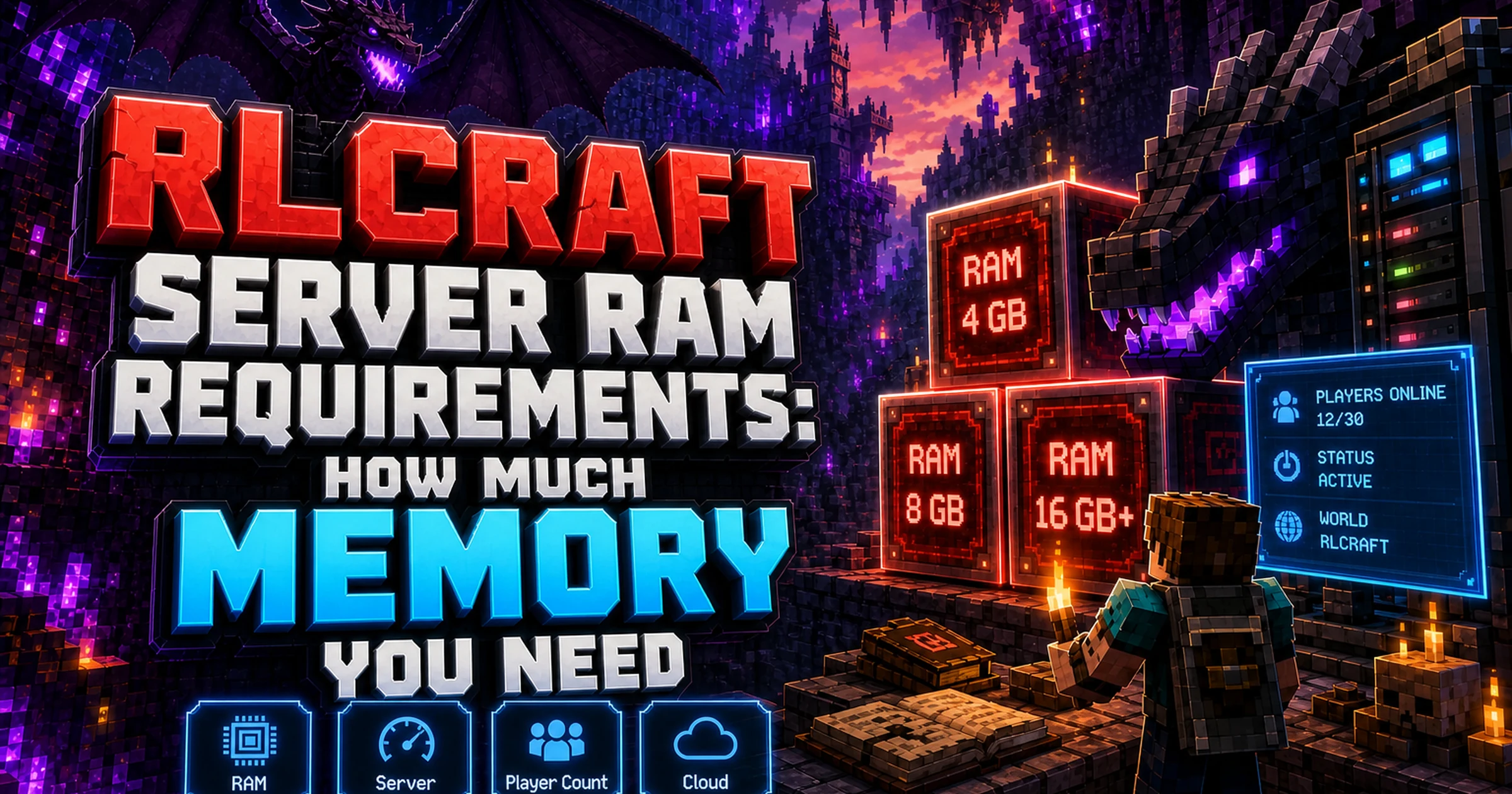
Plan on at least 4 GB of RAM for an RLCraft server. The pack authors list 3 to 4 GB as the minimum on CurseForge and explicitly warn that the default of 1 GB is not enough. At WZH that corresponds to the Cloud M plan. Once several players are online at the same time, Cloud L with 8 GB is the more comfortable choice.
This advice is specific to this modpack. If you want general numbers for vanilla, plugins and other packs, read how much RAM a Minecraft server needs. Here we only look at RLCraft 2.9.x on Minecraft 1.12.2 with Forge.
What the pack authors say
The RLCraft CurseForge page states that 3 to 4 GB of RAM is the minimum. As an example for startup parameters it shows -Xmx4G together with the CMS garbage collector. That points to the Java 8 era of Minecraft 1.12.2 and shows that the authors themselves assume a 4 GB heap.
The wiki entry for version 2.9 adds that the default of 3 GB is still considered adequate and that the update contained many performance improvements for servers. Both statements describe the typical case: one player or a small group. Multiplayer setups with widely scattered players are not evaluated in detail, so you should add some headroom.
Why RLCraft needs more than vanilla
Vanilla 1.12.2 runs on very little memory. RLCraft loads a large collection of mods, and each mod brings blocks, items, mobs and configuration. Just starting the server occupies a big share of memory before a single player joins.
Then there is the world itself. According to the wiki, version 2.9 overhauls the underground and caves with new cave formations, mineshafts and biomes, along with a reworked Nether. Generating those structures costs computing time and memory, and it happens exactly when a player enters new chunks. On top of that come mobs from Lycanites Mobs, which the wiki documents with well over 100 creatures, and dragons from Ice and Fire.
Guidelines by player count
The table below is guidance based on the pack's own numbers and general experience, not a measured guarantee. Your group may play differently from the average.
| Situation | Suggested plan | Reason |
|---|---|---|
| 1 to 3 players, mostly together | Cloud M (4 GB) | matches the pack minimum, chunks overlap |
| 4 to 8 players, partly separated | Cloud L (8 GB) | more loaded chunks, more mobs at once |
| Bigger group or lots of parallel exploring | Cloud XL (16 GB) | plenty of headroom for structure generation |
Headcount alone is not what matters, distance is. Two players at opposite ends of the world load more chunks than four who stay in the same village. If your group often travels separately, go one tier up.
Plan RAM is not the same as Java heap
A common misunderstanding: the plan you book is the total memory the server may use. Java needs room beyond the heap for metadata, threads and native memory. A server on a 4 GB plan therefore cannot use a full 4 GB heap without hitting the limit.
For you this means: reserve a bit more plan than the raw heap number suggests. If the pack authors mention a 4 GB heap, Cloud M is right at the edge and Cloud L gives breathing room. Without that buffer the risk of crashes with memory errors rises noticeably. How to spot them in the log is covered in RLCraft server crashes.
More RAM is not always better
It is tempting to just take the biggest plan. That does not solve every problem. When a Minecraft server stutters, the cause is often the CPU load of a single thread, for example too many mobs, tile entities or chunk generation. More memory barely helps in that case.
Check in the console with /forge tps how many ticks per second your server manages. At 20 TPS everything is fine, and well below that you will feel lag. For root-cause hunting, fixing RLCraft server lag is the better starting point because it covers mob counts, chunk generation and view distance.
When to change plans
Switching is worth it when you notice one of these signals:
- The log repeatedly shows memory errors or aborts while loading new areas.
- After several hours of play the server runs noticeably worse than right after startup.
- Your group is growing or regularly explores different regions at the same time.
- New structures or dragon areas cause longer hitches when entered.
At WZH you can change plans without setting the server up again. With PayAsYouGo only running time is billed, so you can try a bigger plan and scale down later. The cost calculator shows what that means for your budget in advance.
Restarts and memory
An often underrated factor is regular restarts. Java does not always release memory reliably, and long-running modpack servers tend to occupy more over time. According to the wiki, the server improvements in version 2.9 reduce the need for frequent restarts, but for large groups you should not give them up entirely.
Schedule a restart at quiet times and create a backup first, especially before you change configuration. In the dashboard you restart the server with one click and watch the browser console to see whether it comes back cleanly. More about creating and locking backups is in Minecraft server backups.
Which version needs how much?
At WZH the RLCraft versions 2.9.3, 2.9.2d, 2.9.1c and 2.9 are available. The pack authors do not publish memory values per patch version, so the 3 to 4 GB recommendation applies to the pack as a whole. According to the description of version 2.9.3, the TickProfiler mod was removed and crashes from earlier versions were fixed. If you are still on an older version you therefore benefit from updating, which you should protect with a backup, see updating an RLCraft server with a backup.
Your next step
If you are unsure, start with Cloud M for a small group, or go straight to Cloud L if you have several players. On the rent an RLCraft server page you pick the plan and the modpack is installed automatically. A plan change stays possible at any time, so you take no risk.
FAQ
Is 4 GB of RAM enough for RLCraft?
For a small group, yes, because 4 GB matches the pack authors' minimum. With several active players or lots of exploration it gets tight. Then Cloud L with 8 GB is the better fit.
Is there a 2 GB Cloud S plan for RLCraft?
No. For RLCraft only Cloud M, Cloud L and Cloud XL are bookable at WZH. 2 GB is below the pack authors' minimum.
Does more RAM fix lag?
Only partly. Lag often comes from CPU load, such as many mobs or chunk generation. Too little memory causes stutters and crashes instead. Measure TPS first before you change plans.
How many players can Cloud L handle?
That depends on play style. As a guideline, Cloud L is meant for several active players, with widely scattered groups being the exception. We cannot guarantee a fixed player count.
Can I change the plan later?
Yes, plan changes are possible. You do not need to set the server up again.