ATM11 Java Version: Why Java 25 Is Required and What It Means
Short answer: the Java version ATM11 needs
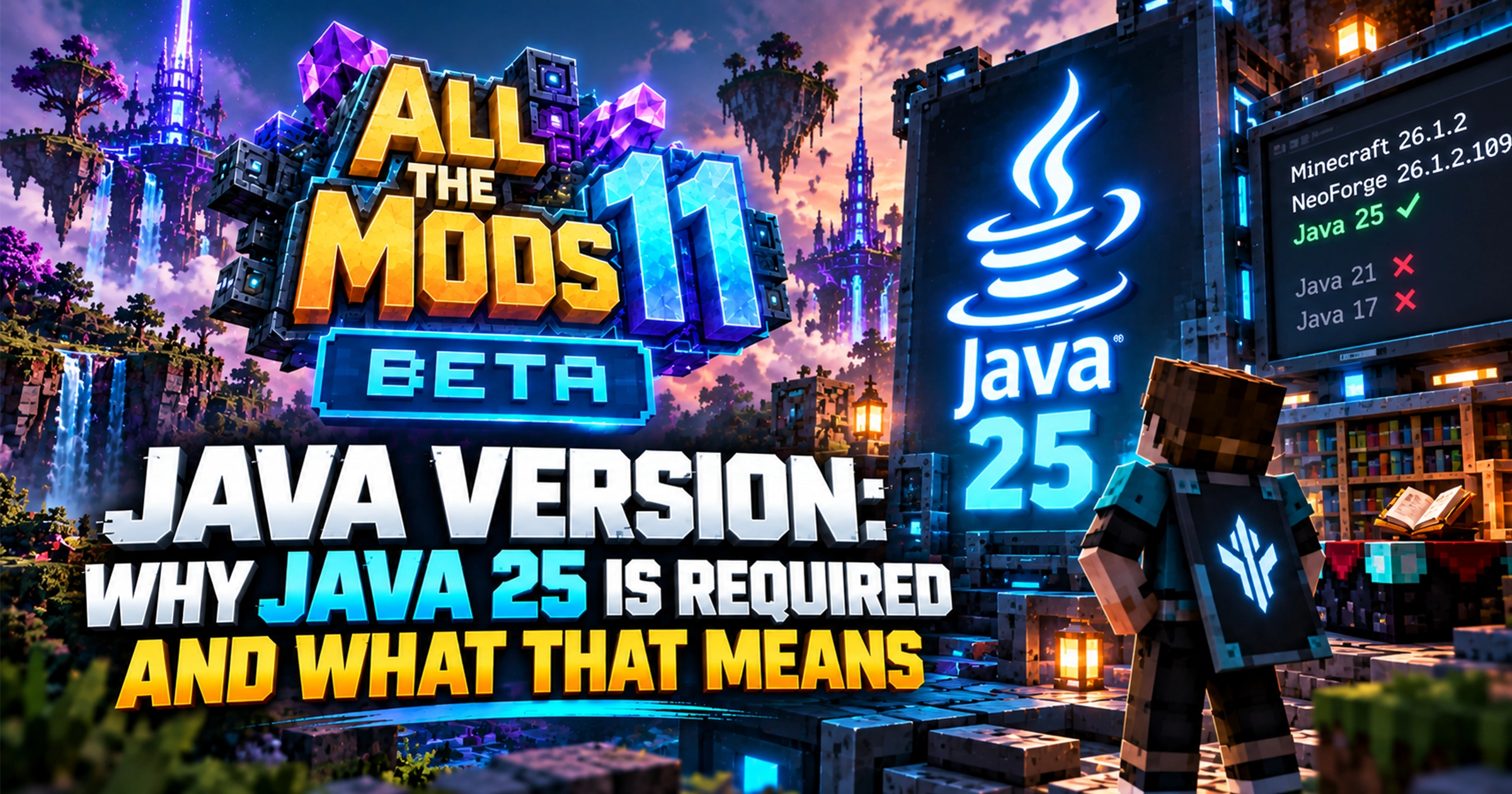
ATM11 runs on Minecraft 26.1.2, and according to Mojang, Minecraft 26.1 requires Java 25. That is newer than the Java 21 used by, for example, ATM10 on Minecraft 1.21.1. If you self-host ATM11 or start the client through your own launcher, you need to watch for it. On a rented server, the modpack is installed automatically.
This article explains where the requirement comes from, when it affects you and how to recognize typical startup errors. For a server at WZH, you do not have to deal with the modpack installation, but for your own computer you should check the points below.
Why ATM11 needs Java 25
With Minecraft 26.1, Mojang changed the version numbering and raised the Java requirement at the same time. The 26.1 announcement and the Minecraft Wiki describe that the game requires Java 25 and that the bundled Java component switched to the Microsoft build of OpenJDK 25. Older runtimes will not start this version.
Since ATM11 builds on Minecraft 26.1.2 and uses NeoForge, the requirement applies to the whole pack. The guides from ModReady and WiseHosting confirm it: Java 25 is mandatory, and Java 21 is the wrong version for ATM11. The ATM developers themselves do not state the Java version on the project page, so we rely on Mojang and these guides.
What else is new in Minecraft 26.1?
Besides Java 25, more changes. According to the announcement, Minecraft now counts versions by year and release, and 26.1 is the first major update of 2026. The game files are also no longer obfuscated, which eases the work of mod authors. For players, what matters most is that mods for 1.21.1 do not automatically work on 26.1.
That explains why ATM11 has its own mod selection and is still in beta. What changed since ATM10 is compared in ATM11 vs. ATM10. How far along the beta is, is explained in ATM11 beta: what is new.
Does Java concern you? Three scenarios
Whether you have to deal with Java depends on where you run ATM11.
| Scenario | Do you have to handle Java 25 yourself? |
|---|---|
| Rent a server at WZH | No, the modpack is installed automatically |
| Client on your PC | Yes, the launcher must use Java 25 |
| Server on your own computer | Yes, you install and start everything yourself |
For most players, the client is the only point. According to Mojang, the official Minecraft launcher ships the matching Java. Other launchers, such as those for CurseForge modpacks, are worth checking. With a rented server, you skip the server side entirely.
Checking Java on the client
If your ATM11 profile closes immediately on launch or shows a version message, the Java version is often the cause. Here is how to proceed:
- Open the profile settings of your launcher
- Look for the setting for the Java runtime or Java path
- Make sure automatic detection is on or a Java 25 path is set
- Check in the terminal with the command
java -versionwhich version your system uses by default - Restart the profile and watch the error message
java -version
If the output shows an older version, install Java 25 and set the path in the launcher. The command only checks the system-wide Java version. Some launchers ship their own runtimes and ignore it. For further errors, fixing ATM11 crashes helps.
If you self-host
Anyone running ATM11 on their own hardware needs a lot more than Java 25. ModReady advises extracting the official server pack of the matching version into a clean folder, using the bundled NeoForge and not updating the loader on its own. The client version must also match the server version exactly.
In addition, memory, ports and reachability must be right. WiseHosting points out that your server's availability then depends on your PC, and that playing and hosting on the same machine is not easy on many home computers. You save this effort with a rented server. The overview is in All the Mods 11 server hosting.
Typical error patterns around Java
These patterns often point to a Java problem:
- The program closes right after launch with no visible error
- A message mentions an unsupported class version or a mismatched Java version
- The launcher downloads nothing and aborts
- The server script cannot find Java
WiseHosting describes the first case like this: if the launcher closes immediately without downloading anything, a mismatched Java version is usually the cause. Note that not every crash is a Java problem. If the message names a mod, the cause more likely lies there. The crash article shows how to read the log.
And the memory settings?
Java version and memory are separate topics. When self-hosting, you set memory through startup parameters such as -Xmx. At WZH, the plan you book determines memory, and for ATM11 you can book Cloud L (8 GB) and Cloud XL (16 GB). For context on the RAM estimates, see ATM11 RAM requirements.
Only change Java arguments if you understand them. More heap does not automatically mean more performance. Which files you may adjust in ATM11 is covered in configuring ATM11.
Quick checklist for client players
Before you get annoyed at error messages, go through these points: Does your launcher use Java 25? Is the ATM11 profile installed in the same version as the server? Does the profile have enough memory? Are other big programs closed? If you answer yes to all four, a startup problem rarely lies with Java.
What may happen in the future
Minecraft releases several versions under the new scheme in 2026. The Java requirement may change with later versions. For ATM11 the chain is: the pack version determines the Minecraft and NeoForge version, and those determine the Java version. If the pack moves to a newer Minecraft version, re-check the requirement.
We revise this article when the details change. Until then, the state of September 2026 applies. If you are unsure whether a specific setup works, ask in a ticket.
Start without the Java worries
If you want to skip the Java part, order your server on the ATM11 page. The modpack is installed automatically, and management runs in the dashboard. On your computer you only need the client with a matching Java runtime.
FAQ
Which Java version does ATM11 need?
Java 25, because ATM11 runs on Minecraft 26.1.2 and, according to Mojang, Minecraft 26.1 requires Java 25.
Is Java 21 enough for ATM11?
No. Java 21 applies to older packs such as ATM10 on Minecraft 1.21.1, not to ATM11.
Do I have to install Java on a rented server?
No. The modpack is installed automatically when you order. You only need Java for your own client or when self-hosting.
How do I check my Java version?
With java -version in the terminal. Note that some launchers ship their own Java runtimes.
My launcher closes immediately, what now?
First check that the Java version fits Minecraft 26.1. If the error persists, look for the cause in the launcher logs.