Prominence 2 Server RAM: How Much Memory Do You Need?
How much RAM does a Prominence II server need?
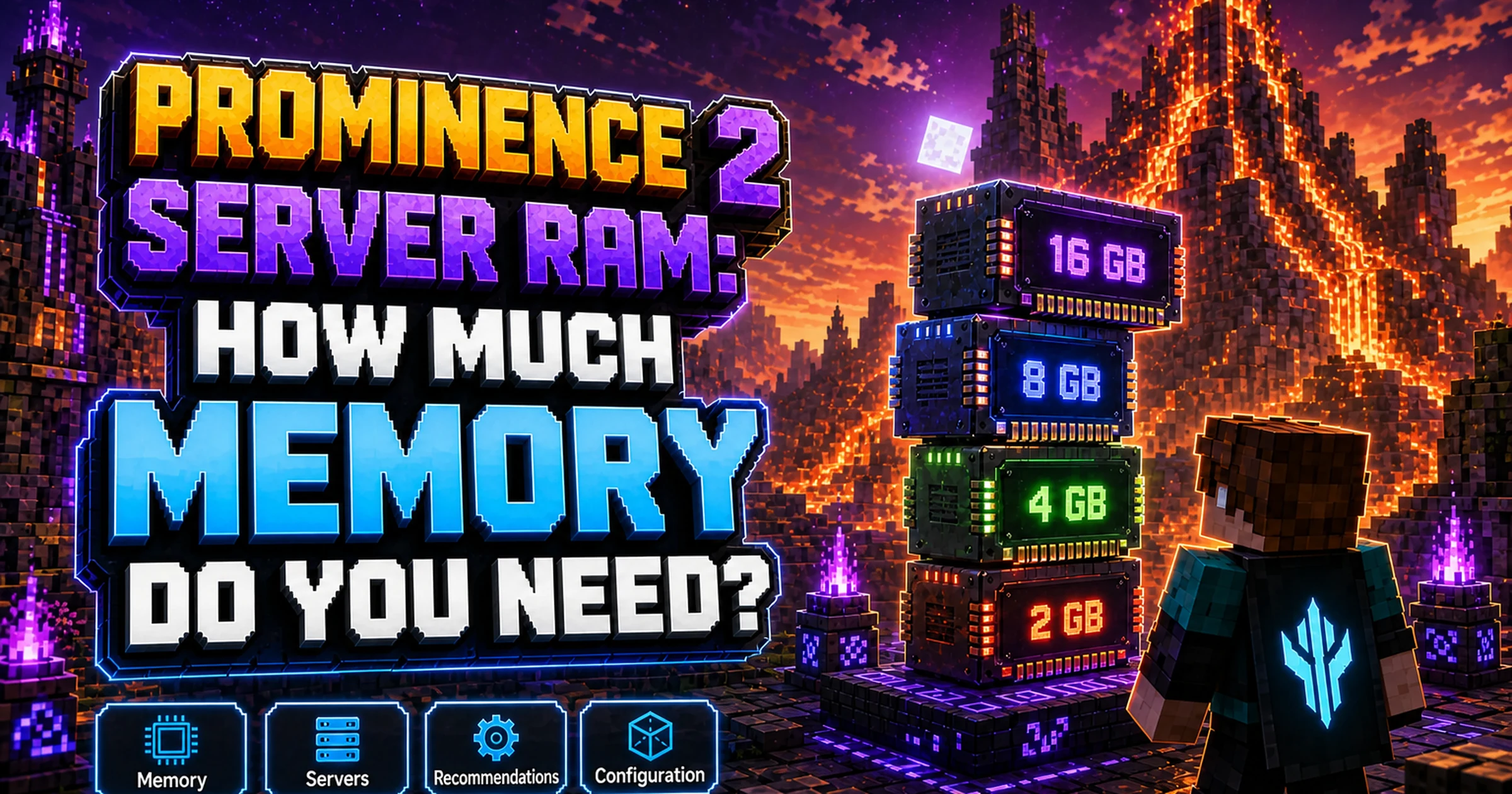
For a Prominence II server, 8 GB of RAM is the realistic starting point for a small group, and 16 GB is the better choice for more players or plenty of endgame content. That is why only Cloud L (8 GB) and Cloud XL (16 GB) can be booked for this pack at WZH Server.
No single number fits every server. Player count, view distance, play style and pack version all matter. This article shows you how to estimate your own need without guessing. For general background see how much RAM a Minecraft server needs. Here we focus on Prominence II only.
Why Prominence II needs more memory than vanilla
Prominence II: Hasturian Era is an RPG pack with a story campaign, a talent tree, the Kingdom of Vaaz as a capital city and Mythic Challenges in the endgame. According to the CurseForge project page it targets Minecraft 1.20.1 on Fabric. One user on the Forge forums reports 625 mods loaded in their client, so this is not a lightweight pack.
Every mod uses memory for classes, textures, recipes and registries. On top of that come world chunks, level-scaling mobs and structures. Even though a server renders no graphics, it has to keep all of this ready. A vanilla-style server with 2 to 4 GB does not get far here.
The developers have reduced memory and loading overhead over time. The release notes of version 3.1.50hf2 mention heavy performance improvements and roughly 40% faster load times. That does not replace enough memory, though.
What hosters and developers recommend
Several hosting guides land on similar figures. Berrybyte names 8 GB as the starting value in its Prominence II guide and suggests a larger plan when several players explore, fight bosses or load different areas at once. Other hosts describe 8 to 12 GB as the lower bound for a stable experience.
We could not verify an official RAM table published by the pack developers. Treat the hosters' numbers as guidance rather than a guaranteed value, and as a floor rather than a target.
| Group size | Assessment | Bookable plan at WZH Server |
|---|---|---|
| 1 to 4 players, moderate view distance | 8 GB as a starting point | Cloud L (8 GB, 4 vCores) |
| 5 to 10 players or lots of endgame | More headroom makes sense | Cloud XL (16 GB, 6 vCores) |
| Large community, many simultaneous boss fights | Use Cloud XL, check view distance | Cloud XL (16 GB, 6 vCores) |
The rows are a rule of thumb derived from hoster recommendations and our plan structure, not measured benchmarks. Your real load depends on how you play.
The four biggest factors
Player count. Every extra player loads their own chunks, carries their own inventory and triggers their own mob spawns. In Prominence II enemies also scale with players, which raises the load as the group grows.
View distance and simulation distance. The view-distance and simulation-distance values in server.properties are among the strongest levers. A lower view distance saves memory and processing time. How to set them is covered in configuring a Prominence II server.
Play style. Staying in one area is lighter on the server than a group that explores in different directions. Mythic Challenges in instances also add load because further areas are loaded.
Machines and automation. Elaborate builds with many active blocks cost processing time and memory. Berrybyte even lists ticking exceptions with Create machines among its known problems. If you build big factories, plan extra headroom.
What happens with too little RAM
Too little memory rarely shows up all at once. It usually starts with longer lag spikes, followed by rubberbanding, delayed boss fights and eventually a crash with an out-of-memory message or a suddenly terminated process. Typical signs during play:
- The console reports that the server is running behind.
- Players are snapped back when they move quickly.
- Startup takes unusually long or aborts.
- After a few hours of running, the server feels sluggish.
If you see these symptoms, check view distance and player count before switching plans. A step-by-step routine is in fixing Prominence II lag, and typical causes of failures are in fixing Prominence II crashes.
Do not forget client RAM
The recommendations above apply to the server. Clients need enough memory too. According to the notes on the project pages, the pack ships with a suitable allocation on CurseForge, while on Modrinth only 2 GB is set by default. There you should raise the value manually, or you will run into trouble as early as world loading.
That explains some complaints from players who blame the server although their own client has too little memory. When lag appears, always compare whether everyone is affected or only individual players.
Choosing the right plan at WZH Server
At WZH Server you book Prominence II with Cloud L (8 GB RAM, 4 vCores) or Cloud XL (16 GB RAM, 6 vCores). Switching between plans is possible, so you can start smaller and step up when your group grows or you enter the endgame.
A sensible approach:
- Start with Cloud L if you are up to four people.
- Watch the console and the feel of the game during the first sessions.
- Switch to Cloud XL if the server stutters at normal view distance or the group grows.
- Make a backup in the dashboard before bigger changes.
With the cost calculator you can compare both options without any amounts in this text. PayAsYouGo bills hourly from your balance, while monthly billing uses a 28-day period.
Conclusion and next step
For Prominence II, 8 GB is the entry point and 16 GB gives room for groups, boss fights and larger builds. Smaller plans are deliberately not bookable. All order details are in creating a Prominence II server. To get going, pick your plan on the Prominence II server page.
FAQ
Is 8 GB of RAM enough for Prominence II?
For a small group of about three to four players and a moderate view distance, 8 GB is the usual starting point. With more players or lots of endgame content, Cloud XL with 16 GB is the safer choice.
Can I run Prominence II with 4 GB or less?
Not at WZH Server. Only Cloud L and Cloud XL are available for Prominence II because the pack loads a very large number of mods and less memory quickly leads to lag or crashes.
Can I change plans later?
Yes, plan changes are possible. A backup before the switch is still a good habit.
Does more RAM always fix lag?
Not always. Lag can also come from view distance, mob counts, machines or processor load. Check these factors before you book a bigger plan.
How much RAM do players need on their own computers?
That depends on the computer. On CurseForge the pack ships with a suitable allocation, while on Modrinth only 2 GB is set by default and should be raised.
Quellen
- https://berrybyte.net/wiki/games/minecraft/prominence-ii-server
- https://www.curseforge.com/minecraft/modpacks/prominence-2-hasturian-era
- https://modrinth.com/modpack/prominence-2-fabric/version/3.1.50hf2
- https://modrinth.com/modpack/prominence-2-fabric
- https://forums.minecraftforge.net/topic/153710-prominence-2-modpack-crashing/