Technical Electrical Server Crash: Causes and Fixes
Technical Electrical server crash: what to do first
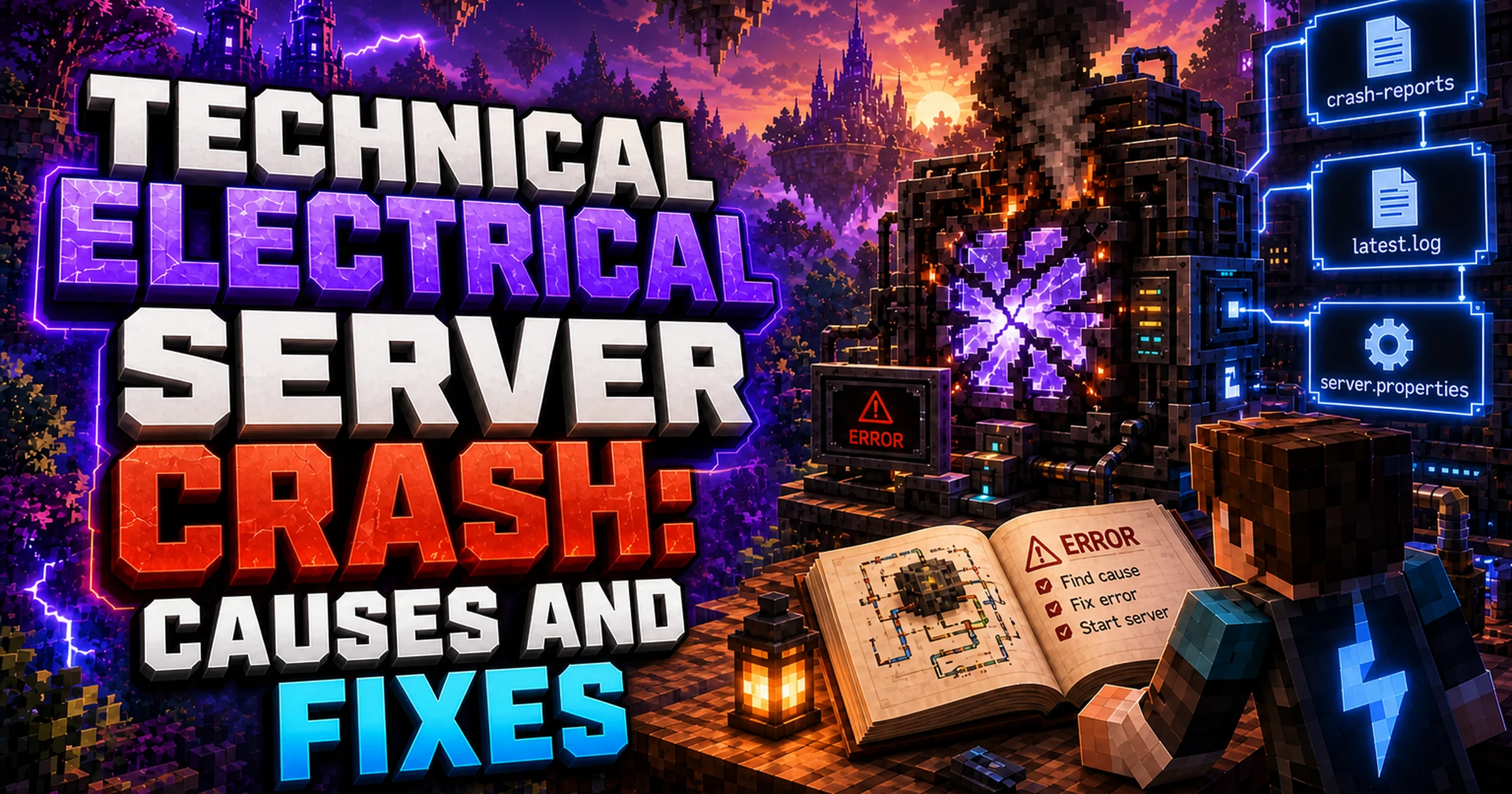
If your Technical Electrical server crashes or will not start, open the browser console in the dashboard and read the last lines. Then look at logs/latest.log and, if present, the crash-reports folder. The cause is usually in the first lines of a report, often with the name of the mod involved.
With a pack of over 190 mods, crashes are common enough that a fixed routine pays off. This article walks through it step by step and explains typical causes, without inventing error messages that we cannot back up.
Where to find the reports
In the file manager of the store dashboard, the relevant files sit in the server directory:
| Location | Content |
|---|---|
logs/latest.log |
log of the current or most recent session |
logs/ (older files) |
compressed logs of earlier sessions |
crash-reports/ |
detailed reports after hard crashes |
Open latest.log directly in the file manager or download the file. For a crash report, the first line after the header often names the kind of error, followed by a stack trace. Look there for mod names or package names that point to a mod. If you open a support ticket, attach the file, which speeds up help considerably.
Procedure after a crash
- Stop the server and check in the console that it has really ended.
- Open
logs/latest.logand jump to the very end. - Search for the words
ERROR,ExceptionorCaused by. The lastCaused byline is usually the real cause. - If a crash report exists, read its header line.
- Check what changed last: an update, a new mod, an edited config, or a bigger build in the world.
- Create a backup before you change anything.
Step 5 is decisive. Most crashes have a history. If the server ran stably before, the last change is almost always the trigger.
Cause 1: Wrong or mixed versions
According to Modrinth, the pack is required on client and server. If a player connects with a different pack version, or mods were replaced by hand, that leads to join errors or crashes. WZH runs version 6.2.0 on Minecraft 1.21.1 with NeoForge 21.1.230. Keep the client on the same version, and do not swap single mods until you have narrowed the problem down.
Mods built for other Minecraft versions also cause crashes. For every add-on mod, check for 1.21.1 and NeoForge. Fabric mods do not run on NeoForge.
Cause 2: Out of memory
A java.lang.OutOfMemoryError in the log points to too little memory. A larger plan then helps. How to estimate the need is covered in the article on Technical Electrical RAM requirements. At WZH, Cloud M, L and XL are bookable for this pack, and a plan change is possible.
Not every memory-related crash is an allocation problem. Sometimes a bug in a mod causes an endless loop that fills memory. If the error repeats even with a bigger plan, go back to cause 1 or 3.
Cause 3: A single mod or block
If the stack trace names a mod, for example mekanism, create or ae2, that is a hint but not proof. The error can originate in another mod and only surface there. A look at the position often helps: some reports give the coordinates of a block entity. That is the place the server was processing when it crashed.
If a specific block crashes the server when its chunk loads, you can work around it with a backup: restore an earlier backup, do not place the block again, and report the bug to the author. The author runs a Discord and a GitHub repository where issues are collected.
Cause 4: Broken configuration
If you edited a config file, check the syntax. A missing bracket or a typo in a .toml file can prevent startup. The log then often shows a message about parsing the file, with file name and line. Reset the file by deleting it and restarting the server so it is regenerated, but only if you have a copy. More on configs is in the article on configuring Technical Electrical.
Cause 5: Known bugs in the pack
The author maintains the pack actively. According to the version notes on Modrinth, several releases contain crash fixes: 6.2.5 lists "Fixed Crashes", 6.2.6 lists "Fixed Crashes" along with performance improvements, and 6.2.8.1 describes "Fixed crash on startup". That shows crashes occurred in this pack line and were fixed. WZH currently runs 6.2.0; whether WZH releases newer versions is visible in the dashboard.
If you have a crash you cannot solve yourself, check whether a newer pack version exists and whether it fixes the error. Only update with a backup, as described in updating Technical Electrical with a backup.
Server crashes under load
If the server does not fail at startup but after some time, look for patterns. If the crash happens on specific actions, such as exploring new areas, switching on a factory or a player joining, that is an important hint. The message "Can't keep up" in the log means tick time is too high, which can precede a crash. For that there is the article on lag and TPS.
A watchdog crash occurs when a single tick takes extremely long. That points to an overloaded build or an endless loop. In that case, clear the area or roll back with a backup.
Rescuing the world
If a world is damaged because the server crashed, the backup in the dashboard helps. You can create, restore, download and lock backups. Restore the last working backup. How often you make backups is a matter of taste, but before every update, every new mod and every bigger rebuild a backup is a must. General guidance is in the article on Minecraft server backups.
When nothing helps: support via ticket
If you get stuck, open a ticket in the store. Give the pack version, the time of the crash and what you changed last, and attach latest.log or the crash report. With that information the problem can be classified much faster. If you do not have a server yet, you can find the pack on the Technical Electrical server page.
FAQ
Where do I find the crash report?
In the crash-reports folder in the dashboard file manager. logs/latest.log helps as a complement.
What does "Caused by" mean in the log?
It names the actual cause of an error. The last "Caused by" line is usually the most important one.
Should I delete single mods to fix the crash?
Better not. Without knowing the dependencies, that can create new errors. Restore a backup or ask support instead.
Does an update help against crashes?
Sometimes. According to Modrinth, several versions contain crash fixes. Update only with a backup and only with versions released in the dashboard.
Can too little RAM cause crashes?
Yes, an OutOfMemoryError points to it. Then check whether a larger plan makes sense.