Technical Electrical Server Lag: Fix Low TPS from Machines
Why does a Technical Electrical server lag?
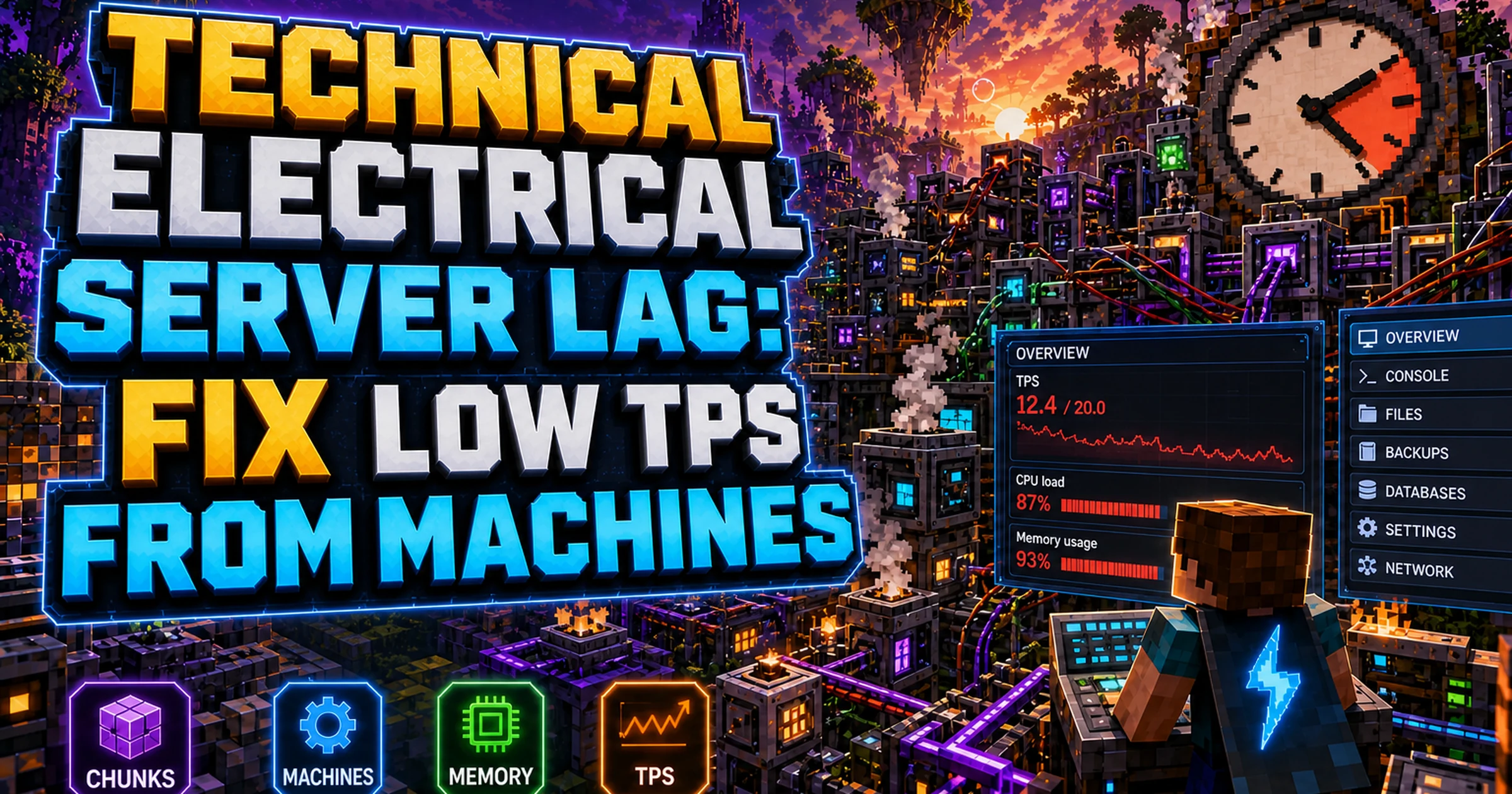
In Technical Electrical, lag almost always comes from server load, not the network: many machines, large storage networks and many loaded chunks push up tick time. First measure with /neoforge tps whether the tick rate falls below 20, then search for the area that eats the time.
A server should reach 20 ticks per second, and each tick may take at most 50 milliseconds. If a tick takes longer, the whole world slows down: machines work slower, mobs stutter, blocks react late. That is server lag, as opposed to client lag, which only affects a single player.
Measure first, then act
Fixing lag without measuring is guessing. In the browser console of your dashboard, use the command /neoforge tps. It shows the average tick time and the tick rate, in some cases per dimension. If the rate stays at 20, the server is healthy, and the problem is more likely on the client or the connection. If it drops, you can narrow it down further.
/neoforge track also helps, letting you record tick times of individual block entities or entities. That way you find the concrete machine or mob farm area that costs the most time. If a command is unknown on your setup, /help shows the available options. A profiler such as spark is a well-known alternative, but you would have to add it as a mod, and we did not verify whether it is part of the pack.
Typical culprits in a tech pack
With over 190 mods, the pack is a kitchen-sink mix of technology and magic. According to the Modrinth description, Applied Energistics, Create, Mekanism, Immersive Engineering, PneumaticCraft Repressurized and Modern Industrialization are among them. Any of these can eat processing time in very large setups.
| Cause | Typical pattern | First countermeasure |
|---|---|---|
| Very large item networks | Tick time rises with every new storage | Split the network, stop unneeded autocrafting jobs |
| Many machines at once | Lag only while the factory runs | Consolidate machines, avoid idling |
| Pipe and cable networks | Lag in one specific area | Shorten lines, remove loops |
| Mob farms | Lag from many entities | Limit the mob cap, switch the farm off for a while |
| Many loaded chunks | Lag grows with player count | Reduce chunk loaders, lower view distance |
The table describes general patterns from tech packs. Which build triggers it on your world can only be found by measuring. In practice, switch off one thing at a time until tick time is fine again.
Chunks and chunk loaders
Machines only work in loaded chunks, which is why chunk loaders are popular in tech packs. The catch: a loaded chunk costs processing time every second, even if nobody is looking. Check how many chunk loaders you have placed and switch off unused setups. Fewer, well-chosen locations beat a loader everywhere.
View range matters too. In server.properties you find the options view-distance and simulation-distance. A lower simulation distance saves processing time because fewer chunks around each player are actively ticked. What the options do in detail is explained in the article on server.properties. You can edit them in the dashboard file manager and restart the server afterwards.
Chunk generation and new territory
Generating new chunks is one of the most expensive jobs for a server, especially with many mods adding ores, structures and biomes. When a player explores new terrain quickly, for example with flight, tick time spikes. The pack's own changes touch on this: according to Modrinth, version 6.2.6 lists "Fixed Chunk Generation Issues" and "Improved Performance" among other things.
A proven approach is to spread out exploring: do not send all players into new areas at once, and agree on a world radius beforehand. Pre-generating is possible with add-on mods, but we did not check which of them are tested with Technical Electrical. Before using one, make sure it fits 1.21.1 and NeoForge, and take a backup first.
Keep the pack current
The pack changes show that performance and crashes come up again and again. According to Modrinth, crashes were fixed in versions such as 6.2.5, 6.2.8 mentions a lighting bug, and 6.2.6 mentions better performance. WZH currently runs version 6.2.0. Newer versions exist upstream, and whether WZH offers them is visible in the dashboard, where updates are applied with one click.
Before an update you create a backup. How that works and what to watch for is covered in updating Technical Electrical with a backup. Never update in the middle of a session, and tell your players beforehand.
Checklist against server lag
- Run
/neoforge tpsand note the tick time. - Use
/neoforge trackto find conspicuous block entities. - Check large storage networks and autocrafting jobs.
- Switch off unused chunk loaders and mob farms.
- Lower
simulation-distanceinserver.propertiesif needed. - Search the log for repeating errors, since errors every tick cost performance.
- If the problem persists, review the plan: more vCores help more than just more RAM.
An error that shows up in the log every second can itself be the lag trigger. That is why a look into logs/latest.log pays off. How to read logs is covered in Technical Electrical server crashes.
When a bigger plan helps
A plan change is worthwhile when the server works at its limits even though everything is tidy. Cloud L brings 4 vCores and 8 GB, Cloud XL 6 vCores and 16 GB. However, the main tick runs largely on one core, so a single overloaded factory does not vanish through that alone. Clarify the cause first, as described in the article on RAM requirements. For general tips see the article Minecraft server lagging: 10 causes and fixes.
Telling client lag from server lag
Not every stutter comes from the server. If /neoforge tps runs steadily at 20 but the screen still stutters, it is usually your own computer: too many effects, graphics settings too high, or too little memory for the client. The author mentions on Modrinth that the pack has been optimized for the Steam Deck, which shows the client is meant to run on weaker hardware too.
A hint: ask in the group. If only one player stutters, it is very likely client lag. If everyone stutters at the same time and machines work slower, it is server lag. This simple question saves you a lot of searching time. On the client, lowering graphics options in game helps, and on the server the measures above help.
Next step
If you want a server that runs smoothly, choose a fitting plan on the Technical Electrical server page, take backups regularly and measure TPS after every major expansion. That way you spot lag before your players notice it.
FAQ
How do I check TPS in Technical Electrical?
With /neoforge tps in the console. The value should be 20. If it drops, tick time is too high.
Is lag a RAM problem?
Not necessarily. In tech packs the processing load of machines and chunks is often the cause, not memory.
Which builds cause the most lag?
That depends on your world. Large item networks, many machines, mob farms and chunk loaders are typical candidates, but you need to measure on your own server.
Does a lower view distance help?
Yes, especially simulation-distance in server.properties reduces the processing load.
Should I update the pack to fix lag?
Newer versions list performance improvements, but always take a backup first and only use versions released in the dashboard.