Protect Your Technical Electrical Base From Griefing
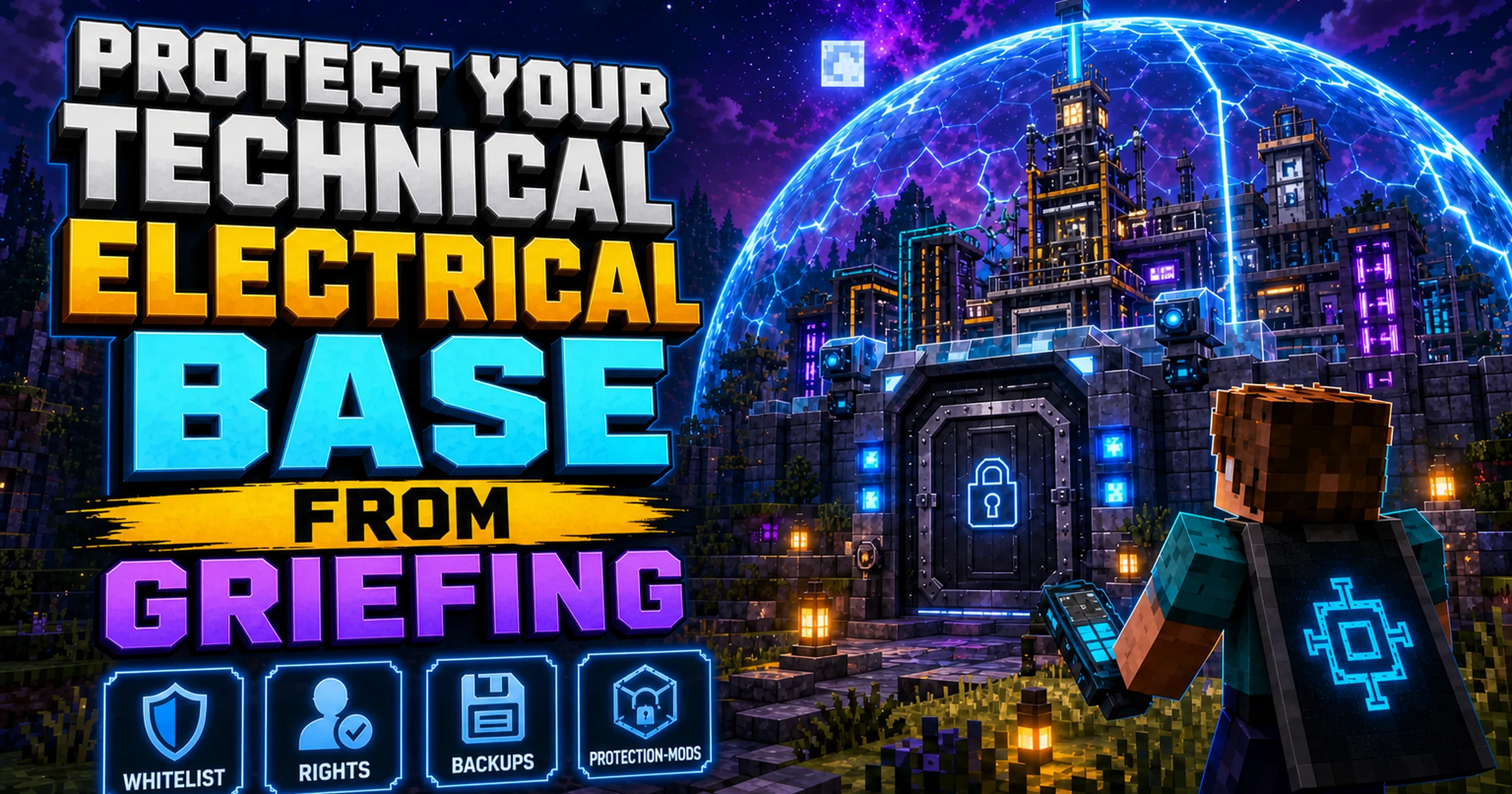
Protecting your base in Technical Electrical
On a Technical Electrical server you protect your base on three levels: with a whitelist, with deliberately assigned permissions, and with regular backups. In addition, the project pages say the pack contains mods such as Modular Force Field Systems and Security Craft, which are meant for protection and access control in game. For explosives, the description names Ballistix.
This guide sticks to what we can back up. How the individual blocks and recipes of the protection mods work in detail, you check in game, because we have no reliable information on that and do not want to invent any.
Why protection matters in a tech pack
Factories are laborious. Networks built over hours, collected resources and storage systems are an attractive target, whether through a teammate's mistake or through outside visitors. In a pack that, according to Modrinth, contains explosives like Ballistix, a single mistake can cause big damage. Protection therefore means not only defense but also limiting accidents.
Separate two cases. In a private round with friends it is mostly about mistakes and accidents. On a server with many or half-strange players it is also about deliberate destruction, called griefing. The measures differ in strictness, not in principle.
Level 1: Who gets in at all?
The most effective measure is the whitelist. Anyone not on it does not enter the server. If you enable it with whitelist on and add players with whitelist add PlayerName, the number of potential problem cases is small. The steps are in the article playing Technical Electrical with friends, and the background is in the general article on whitelist, OP and permissions.
Overall server hardening is covered in the article securing a Minecraft server: 7 tips. It complements this guide with general points that are not pack-specific.
Level 2: Assign permissions deliberately
Operator rights via op allow commands that change worlds and create items. Give them only to people you trust who know what they are doing. One accidentally executed command is enough to change an area. The spawn protection in server.properties (spawn-protection) also limits changes around the spawn point for players without rights. How the options work is in the article server.properties explained.
Agree as a group which rules apply: Who may use explosives? Where are the building zones? Who touches whose factory? Agreements like these prevent most conflicts before they arise.
Level 3: Protection mods in game
The project pages name Modular Force Field Systems and Security Craft. Going by their names and general reputation, they serve to secure areas and control access. How exactly this works, which blocks you need and how much energy they use, you should check in game and in recipe views, because it can change between versions.
Note two points that apply to any protection mod. First, protection systems often need energy, which means they are part of your infrastructure and should be planned like other setups. Second, they load the server to different degrees. Watch the tick rate after building them, as described in the article on lag and TPS.
Handling explosives
Ballistix is named in the pack's description and stands for explosives. On a multiplayer server it is a source of accidental damage. Keep explosives away from the base area, store them separately and clarify in the group where they may be used. Whether and how explosions destroy blocks can partly be controlled by configuration. Which options exist for that you can see in the mod's configs. The general approach is in the article on configuring Technical Electrical.
Loot and chests
The pack repository contains the file lootr-common.toml, which belongs to the mod Lootr. Lootr generates loot in chests per player, so the first player does not empty everything. That prevents quarrels over chests in structures. It does not automatically apply to your own storage: your own chests on the server are accessible to everyone as long as they are not secured by a mod.
Backups as the last line of defense
No protection is perfect. That is why backups are your last and most important line of defense. In the dashboard you can create, restore, download and lock backups. Create one before bigger rebuilds and before every update, and lock the backup before a risky step. How often to back up depends on how much play time you are willing to lose in an emergency.
The process for pack updates is in the article updating Technical Electrical with a backup. A backup is also the quickest rescue after explosions or operator error.
Checklist
- Whitelist active and maintained.
- Operator rights given to only a few.
- Group rules on explosives and building zones agreed.
- Protection mods checked in game and power supply planned.
- Regular backups, locked before risky steps.
- Tick rate checked after building protection systems.
Typical weak spots in daily play
Most damage does not come from attacks, but from convenience. A chest with all your raw materials stands open in the front room, an operator tests a command right above the factory, or a teammate ignites explosives near a power network. So check regularly where valuable storage lies and who has access.
Another point is chunk borders. If parts of a setup lie in unloaded chunks, they stand still, and changes are noticed only later. Document with coordinates where core setups stand, and keep them compact. That way you find out faster after an incident what is missing, and you can compare specifically against the backup.
Also use the principle of small steps: build protection systems in one place first, test them with a teammate and only then roll them out across the whole base. That saves energy, processing time and nerves.
Next step
If you want to play the pack with a fixed group, start the server on the Technical Electrical server page and set up the protection levels right at the beginning. That is easier than doing it afterwards. For your first steps in the game, the article on the introduction to the tech progression helps.
FAQ
Which protection mods does Technical Electrical have?
According to the project pages, among others Modular Force Field Systems and Security Craft. How they work in detail, you check in game.
Is the whitelist enough protection?
It keeps strangers out, but does not protect against teammates' mistakes. Permissions, rules and backups complement it.
Can explosives destroy my base?
Yes, the pack contains Ballistix according to its description. Store explosives separately and agree on rules.
Do protection systems load the server?
Possibly. Check the tick rate with /neoforge tps after building.
What do I do after a griefing incident?
Restore a backup, check the whitelist and permissions, and adjust the rules.